
Install the Agent app on your phone
Answer your website visitors from anywhere — push notifications, sounds and full chat, no laptop needed. Takes about 30 seconds.
iPhone — 5 small steps
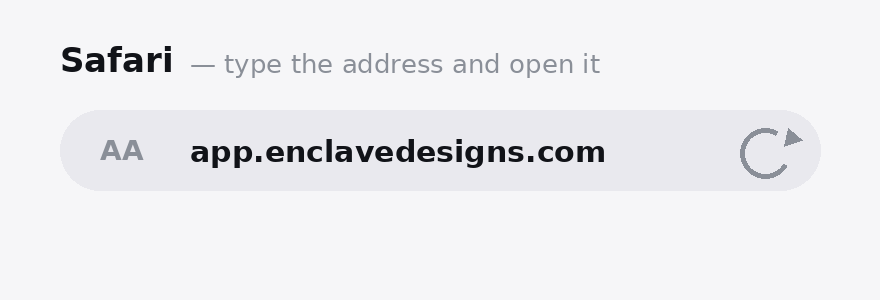
Open the app address in Safari
It must be Safari — not Chrome, and not a link opened inside WhatsApp, Instagram or Telegram (those use a mini-browser that can't install apps). Type app.enclavedesigns.com and log in with your agent account.
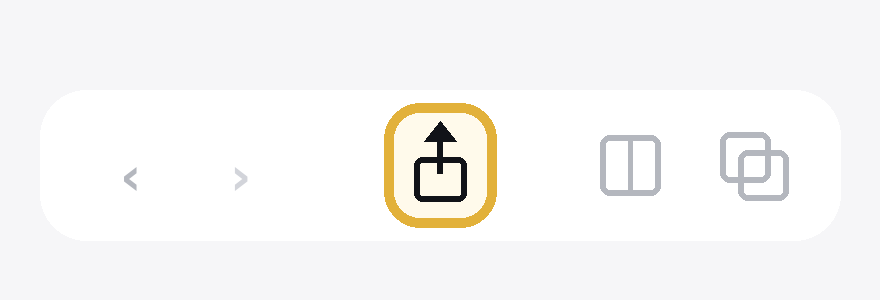
Tap the Share button
It's the square with an arrow pointing up, in the middle of Safari's bottom toolbar. If the toolbar ignores your first tap, tap the address bar once to wake it, then tap Share again.
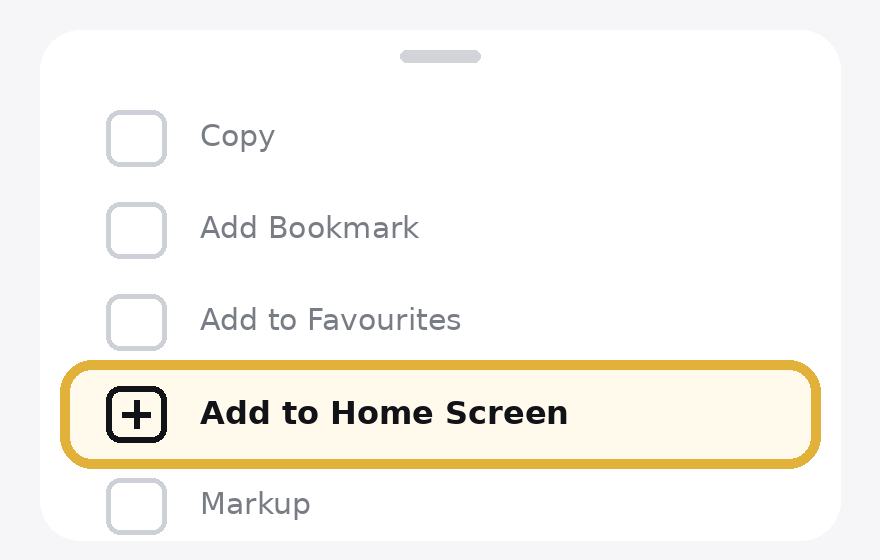
Choose “Add to Home Screen”
In the sheet that slides up, swipe the list upward — the option sits a few rows down. Then tap Add in the top-right corner.
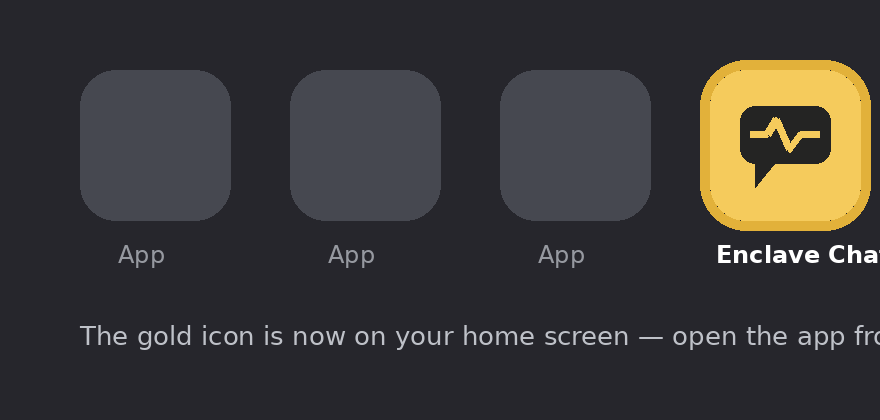
Open the gold icon
The app now lives on your home screen. Always open it from this icon — full screen, no browser bars, a real app.
Turn on notifications
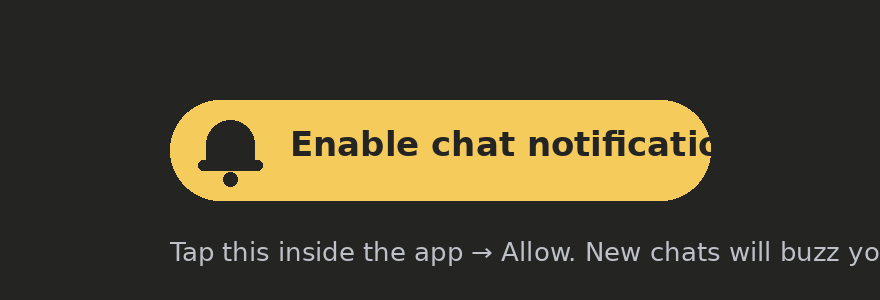
Inside the app, tap the gold pill and choose Allow. From now on, new chats and customer replies buzz your phone — even when the app is closed.
Android — even quicker
- Open app.enclavedesigns.com in Chrome and log in
- Chrome shows an Install app banner — tap it (or menu ⋮ → Add to Home screen)
- Open the installed app → tap 🔔 Enable chat notifications → Allow